
Use the current in-game bindings as the authority, learn lift, pitch, roll and yaw separately, and practice a low-risk circuit before carrying passengers. A safe pilot plans the route, landing zone and escape before takeoff.
Confirm the live control bindings
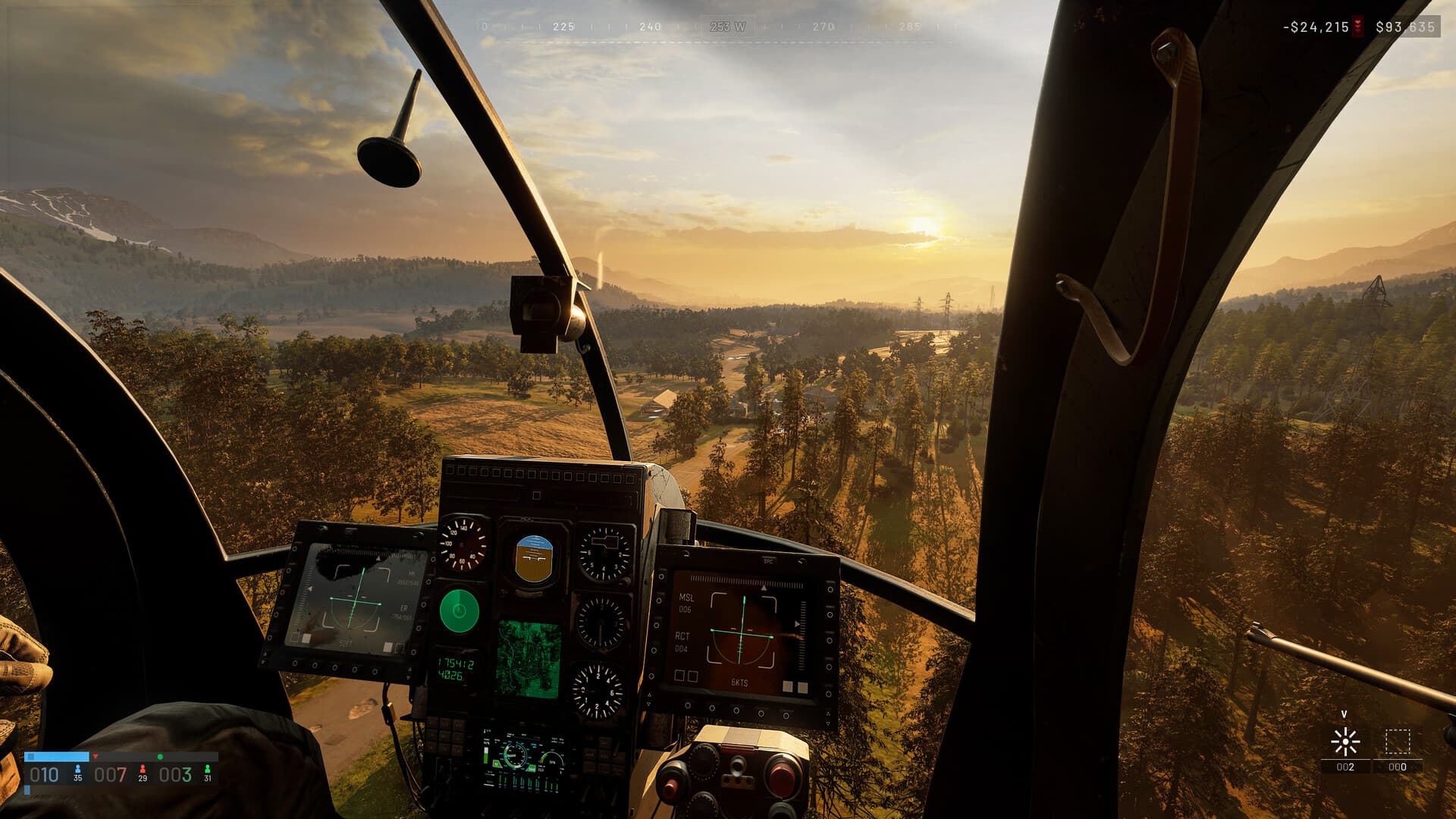
Do not memorize an old key chart from a guide. Open the current settings screen and identify the bindings for collective or lift, pitch, roll, yaw, throttle-related controls, camera and any available countermeasure or vehicle actions. Resolve conflicts before entering a live transport run.
Make small inputs while grounded and observe each response. If an axis is reversed or too sensitive for precise corrections, adjust it in settings before practicing. The purpose of this stage is to build a reliable link between one input and one aircraft movement.
Find a stable hover
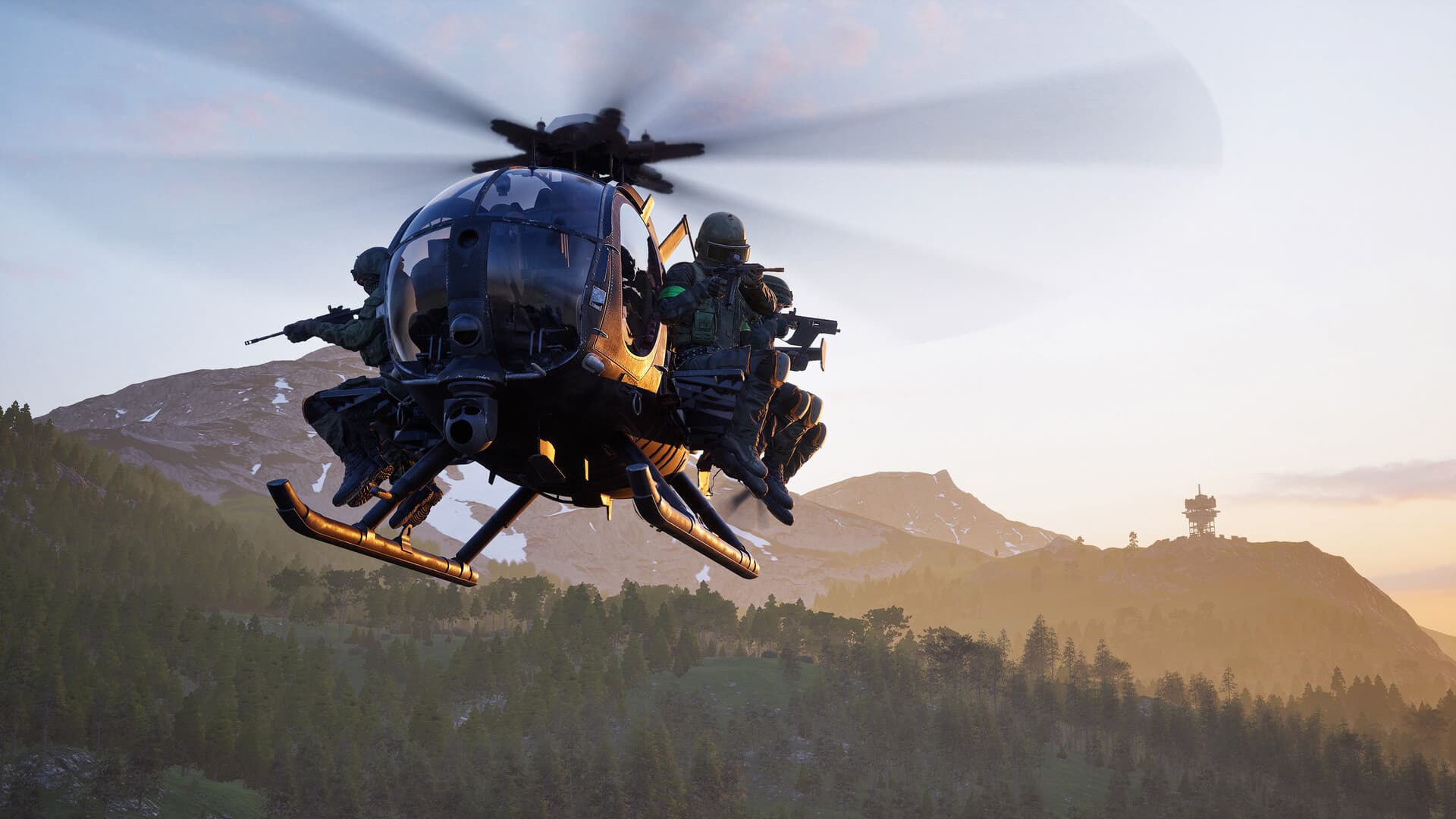
Increase lift gradually and keep corrections small. Practice holding a low hover without adding forward speed, then use yaw to turn the nose while maintaining position. Large alternating inputs usually create a growing oscillation instead of cancelling the first mistake.
Pick a visual point near the horizon and another on the ground. The horizon helps read attitude; the ground point reveals sideways drift. Hold the hover for several seconds before adding the next control axis.
Set up keyboard and controller separately
Do not force one sensitivity plan onto every input method. Keyboard and mouse players should set enough headroom for small corrections without needing repeated full swipes. Controller players should check each stick axis, dead zone and trigger response before taking passengers.
Start with one input device at a time. Change one setting, repeat the same low hover and note whether the correction became easier to stop. Keep a short written note of settings that work so a reset or update does not send you back to guesswork.
Build a repeatable flight circuit
Use the same short circuit: lift, stable hover, gentle forward transition, wide turn, approach and touchdown. Repeating one route makes changes in speed, altitude and control input easier to recognize than improvising a new maneuver every flight.
Climb only as high as the route requires and avoid abrupt banking near the ground. Learn to stop forward movement at a chosen point before trying faster terrain-following or confined landings.
Plan transport around the passengers
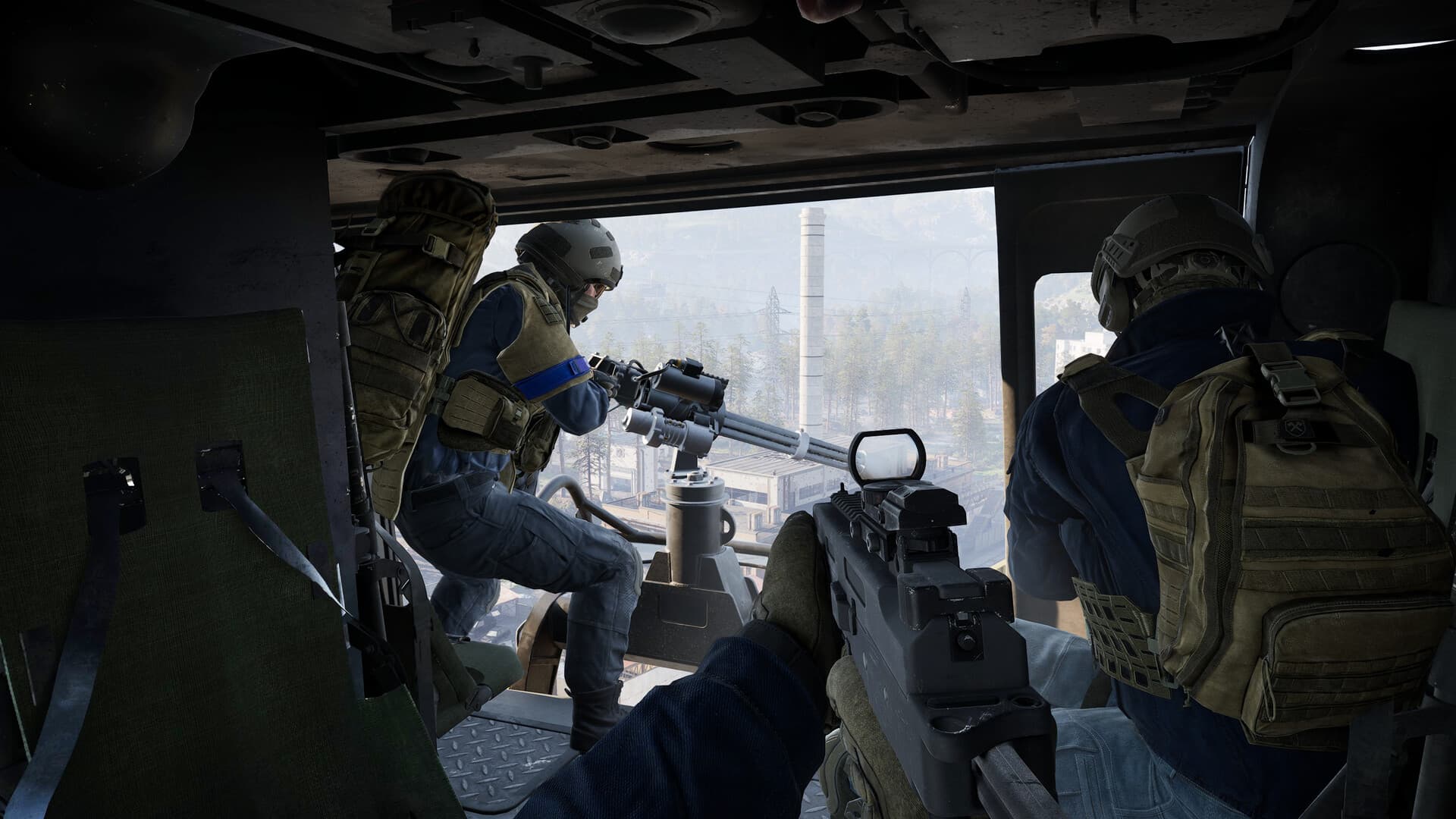
A transport flight begins with a destination and dismount plan. Choose a landing area that provides cover, room to correct the approach and a path for passengers to leave without crossing the most obvious open ground.
Communicate before takeoff and again before landing. If the landing zone becomes unsafe, abort early, gain separation and select another approach. A go-around costs seconds; a destroyed aircraft costs cash, time and the passengers' equipment.
Approach and land in stages
Begin reducing forward speed before the final descent. Keep the landing area visible, align the aircraft while there is still room to correct, and descend only after horizontal drift is controlled. Trying to remove speed, turn and descend at the same moment creates unnecessary workload.
Touch down with small inputs, confirm the aircraft is settled and give passengers time to clear. On departure, use a preselected exit direction instead of turning blindly into the terrain or incoming route.
Protect and recover the aircraft
Treat the helicopter as a team investment. Monitor the route, avoid repeating a compromised approach and leave enough distance to disengage before damage or terrain removes the option. A pilot's best decision may be not to land.
After a difficult flight, identify the specific phase that failed: hover, transit, route reading, approach or touchdown. Return to that phase in a low-risk circuit instead of using a full passenger load as the next practice attempt.
Check after an update
WARDOGS is in Early Access, so prices, item details and balance can move between updates. These guides focus on practical decisions; check the current game build before you commit to an expensive purchase or a system-level PC change.
Frequently asked questions
What are the exact helicopter keys?
Check the current in-game bindings. Controls can change between builds and player configurations, so this guide teaches the control axes and flight sequence rather than publishing a brittle key chart.
What should I practice first?
Learn a stable low hover, then add yaw, gentle forward movement, a wide turn and a controlled landing in that order.
When should I abort a landing?
Abort when the zone becomes unsafe, the approach is unstable, drift cannot be corrected with small inputs or the exit route is no longer clear.
Should controller and keyboard use the same sensitivity?
No. Tune each input method separately, beginning with a low-risk hover. The right setting is the one that lets you make a small correction and stop it cleanly.